
ShipBob
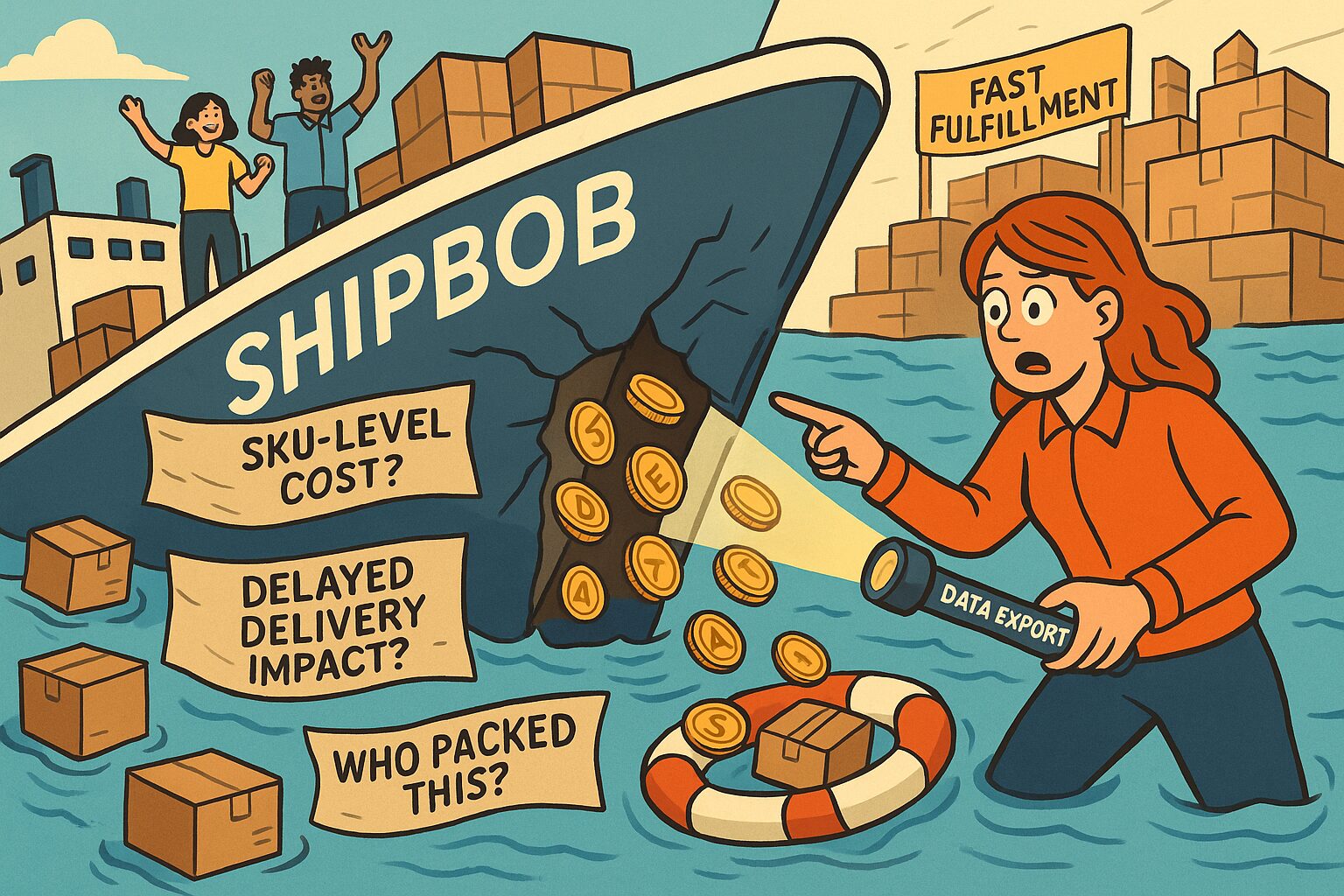
3 metrics ShipBob tracks but never tells you about 👀
You rely on ShipBob for speedy fulfillment and accurate stock counts, so why can’t you see the metrics hiding behind the scenes?
As always, you need to extract the raw data to gain these available insights that the front end of ShipBob won’t show you:
1. Inventory Turnover by SKU
You see receipts, picks, and stock levels, but not days-on-hand per SKU.
Don’t miss your chance to discover you’re sitting on a significant amount of excess inventory because you couldn’t flag slow-movers!
2. Warehouse Staff Throughput
Every pick, pack, and ship action logs a timestamp and operator ID, but there’s no per-operator performance view.
Report on that, or you could miss that juicy productivity boost by not spotting top performers early.
3. Shipping Cost by SKU & Location
You get total carrier bills from ShipBob, but not cost breakdowns by product and facility.
Look at the hidden data, and you might find a big margin erosion on fragile items once you build a custom cost-per-SKU report.
Ready to turn those blind spots into clear, actionable insights?
Now that you’ve spotted the gaps, let’s bridge them.
By blending ShipBob’s hidden data with Shopify, Meta Ads, Zendesk, and your BI tools, you can build reports that drive even more action, cut costs, and boost margins:
✅ Channel Profitability
Merge Shopify order values with ShipBob fulfillment fees via the Shipments API and ad-spend data from Meta Ads (and others).
The result?
Instant ROAS per ad channel. Allowing you to shift your spend from, e.g., low-return Facebook ads to high-ROAS Instagram campaigns.
✅ Channel ROAS Diagnosis
Pull order revenue from Shopify, fulfillment timestamps and costs from ShipBob, and ad-spend from Meta Ads (or others).
Then segment campaigns by delivery performance (on-time vs. delayed) to see if low ROAS comes from ineffective ads or really from logistics bottlenecks.
Otherwise, you might find that a 2-day shipping delay is cutting your ROAS thanks to spiking support tickets and returns.
✅ CSAT vs. Returns by SKU
Link Zendesk CSAT scores to ShipBob Returns API data per SKU.
You might uncover that one of your bestsellers drove 30% of complaints!
Better fix that product description before you lose even more margin.
All that ShipBob’s dashboards show are counts and statuses.
To actually cut costs, boost team performance, and optimize campaigns, you need to pull that data into your BI tools and let custom analytics do the heavy lifting.